

MTA Net blocker
Control Internet Access for Your Apps
MTA Net blocker by MTA TECHNOLOGIES lets you choose which installed apps can access the internet. Manage internet access for individual apps through a simple and easy-to-use interface.
View Installed Apps
Per-App Internet Control
Block or Allow Internet Access



Key Features of MTA Net blocker
Manage internet access for individual apps on your Android device with MTA Net blocker
Key Features
Installed apps list
Shows the apps installed on your device in a clear list to help you quickly find and choose which app you want to manage.
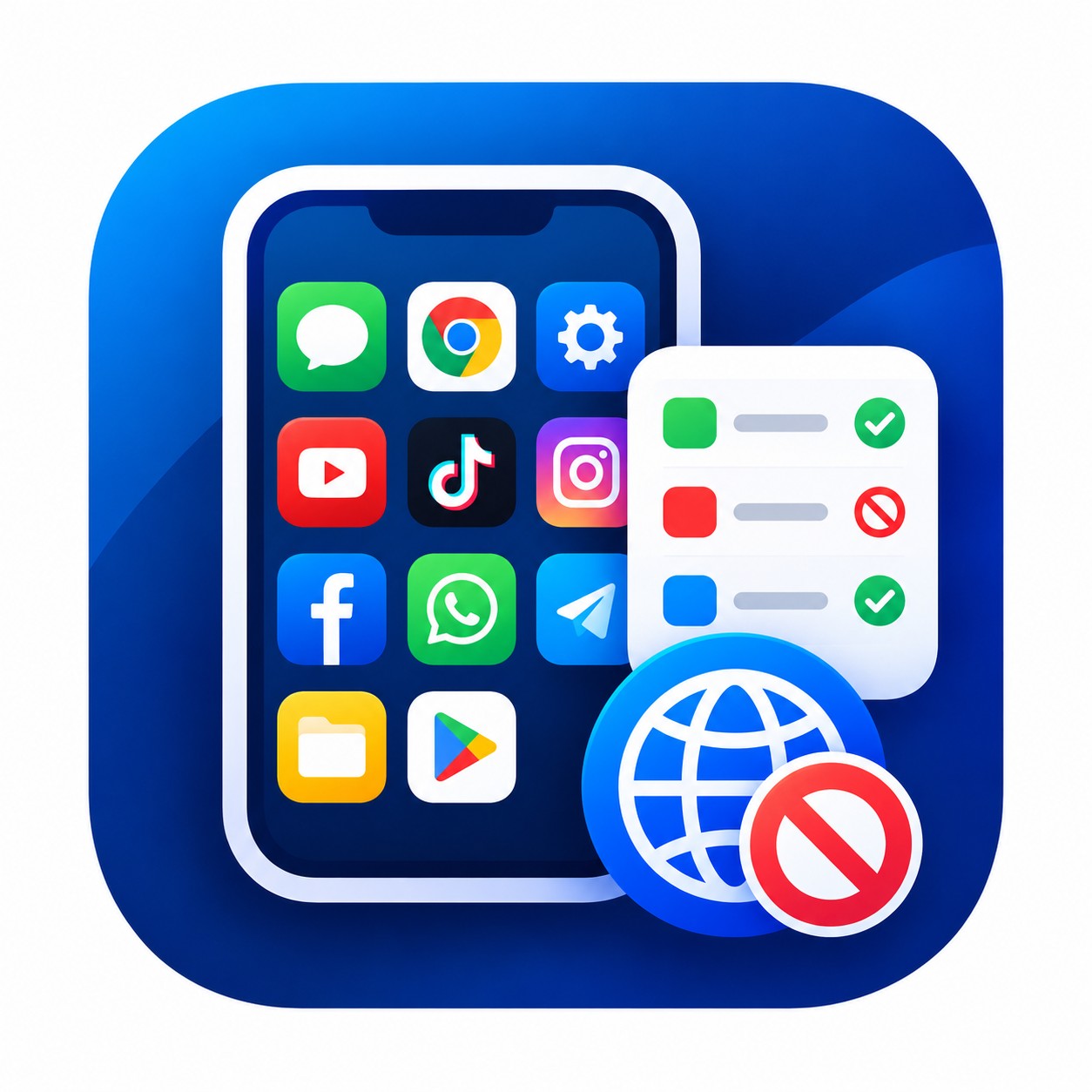
Browse Installed Apps
Select Apps Easily
Manage Each App
Key Features
Per‑app internet blocking
Lets you select specific apps and restrict their network connection using the blocking options available in the app.
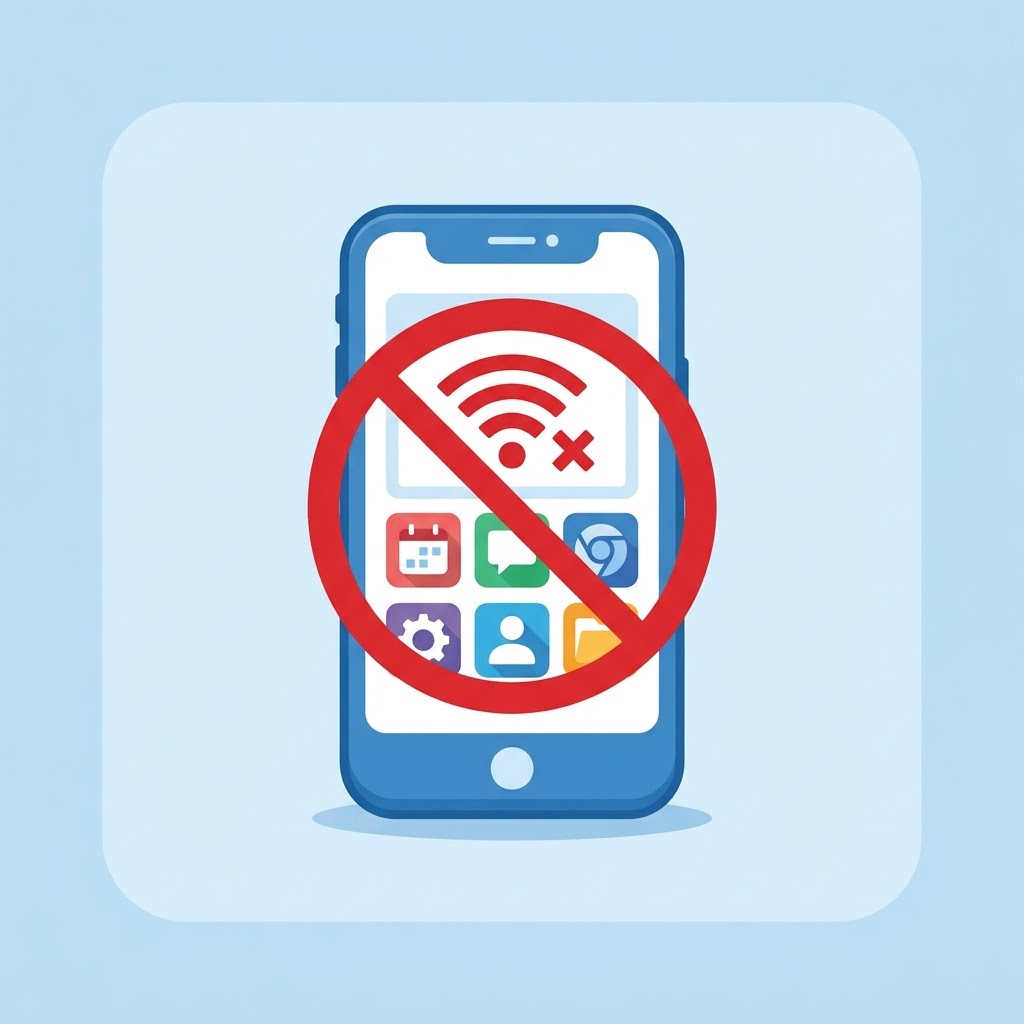
Block Internet Access
Allow Internet Access
Control Apps Individually
More Ways to Control Internet Access
Manage app connectivity with tools designed to help you control internet access on your Android device.
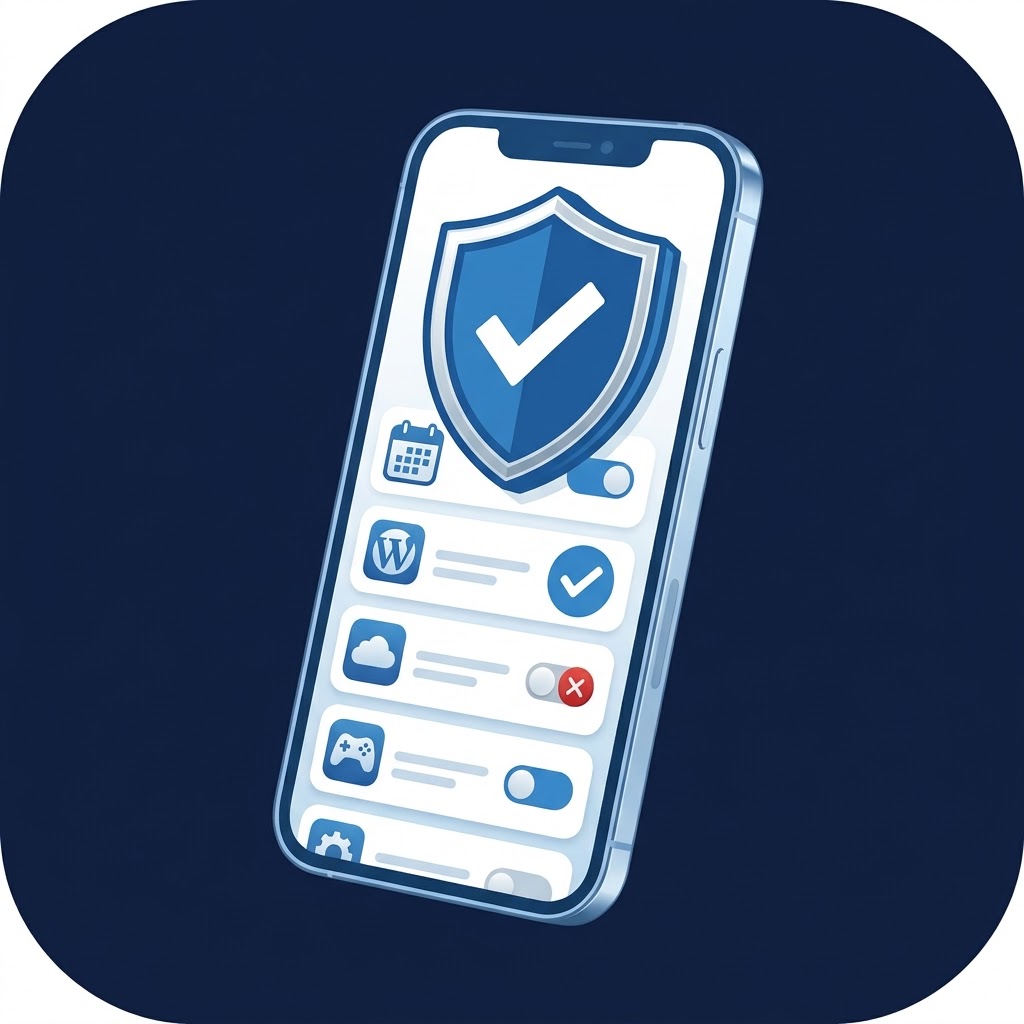
Block and Unblock Apps
Block or restore internet access for individual apps whenever you need to manage their connectivity.
Bulk App Blocking
Block or unblock multiple selected apps in one operation, making it easier to manage internet access across your installed apps.
Local VPN-Based Protection
Uses Android’s local VPN service to apply app internet-blocking rules on your device. VPN permission is required to activate this feature.


Why Users Choose MTA Net blocker
Discover how MTA Net blocker helps users manage internet access for their Android apps.
Frequently Asked Questions about MTA Net blocker
Find answers to common questions about MTA Net blocker, including app internet blocking, local VPN permissions, compatibility, and troubleshooting.
What is MTA Net blocker used for?
MTA Net blocker is designed to help you manage and control which apps on your Android device can access the internet. It provides a clear interface to view installed apps, select apps to restrict, and review the blocking status from one place.
How does MTA Net blocker block internet access without rooting the phone?
It uses a local VPN service on the device to apply network-blocking rules. This is an Android-supported method that does not require root access. Android will prompt you to approve the VPN connection before the blocking feature can work.
Does enabling the VPN in MTA Net blocker change my location or provide an external VPN server?
Not necessarily. The app uses a local VPN interface primarily to enforce blocking rules on your device. Using a local VPN does not automatically mean it routes traffic through an external VPN server or changes your geographic location.
Will MTA Net blocker work at the same time as another VPN app?
It may not. Apps like this rely on Android’s VPN framework, and Android typically does not allow multiple VPN-based apps to run simultaneously. Using MTA Net blocker can therefore interfere with other VPN services.
Why might Android ask me to approve the VPN connection again?
Android may require re-approval after restarting the device or after changing certain settings. This is a system behavior tied to how VPN-based blocking is enabled.
Can blocking an app’s internet affect notifications or app features?
Yes. If you block an app’s network access, it can impact functions that depend on the internet, such as push notifications, content updates, syncing, and other online features. You can remove the block later to restore connectivity.
Why don’t I see all apps listed, or why doesn’t a feature work as expected?
The app notes that available features and the displayed app list can vary depending on the app version, device settings, permissions, and Android system restrictions. If something doesn’t work as expected, you should check the app’s permissions and system settings, then reopen the app.
Does MTA Net blocker guarantee that it will block all forms of internet access on every device?
No. The official description notes it does not guarantee blocking all forms of connectivity under all devices or operating conditions, and that available options may differ between versions.
Take Control of Internet Access with MTA Net blocker
Choose which apps can access the internet on your Android device with MTA Net blocker.
Stay Updated with MTA TECHNOLOGIES
Subscribe to receive the latest news, app updates, and announcements from MTA TECHNOLOGIES.
By subscribing, you agree to MTA Net blocker Privacy Policy.